
In This Guide
- Why Most Password Advice Fails
- The Golden Rule: Length Beats Complexity
- Method 1: The Passphrase Trick
- Method 2: The Sentence Shortcut
- Method 3: The Personal Formula
- What You Should Never Do
- When to Just Use a Password Manager
- Final Thoughts
I’ll be honest with you. For years, my password for almost everything was my dog’s name followed by the year I got him. I knew it was bad. Every security article on the internet told me it was bad. But every time I tried to use one of those random jumbles like K7#mQ9!xP2, I’d forget it within a day and end up clicking “forgot password” like it was my job.
Sound familiar? You’re not lazy. The problem is that most password advice is written by security experts who forget what it’s like to be a normal human with 80 different accounts. So here’s the thing: you can create a strong password you’ll actually remember. You just need the right technique. I switched to the methods below two years ago, and I haven’t been locked out of an account since.
Why Most Password Advice Fails
Let’s talk about why the classic advice — “use 12 random characters with symbols!” — doesn’t work for real people. Our brains are terrible at remembering random strings. We’re great at remembering stories, images, and patterns. That’s not a flaw; it’s just how memory works.
So when a website tells you your password needs uppercase, lowercase, numbers, and a hieroglyph, you do what everyone does: you take your usual password and stick a ! on the end. That doesn’t make it strong. It makes it annoying to type.
The good news? Security researchers figured this out years ago. Length matters far more than complexity. A long password made of ordinary words is dramatically harder to crack than a short one full of symbols — and it’s about a hundred times easier to remember.
The Golden Rule: Length Beats Complexity
Here’s the one idea to take away from this whole article: a longer password is a stronger password. Every extra character you add makes a password exponentially harder to guess. A 16-character password made of plain words will outlast an 8-character password full of @#$% symbols every single time.
This is why all three methods below focus on length first. Pick the one that feels most natural to you. They all work.
Method 1: The Passphrase Trick
This is my personal favorite, and it’s the method most security experts actually recommend now. Instead of one word with symbols crammed in, you string together four or five random, unrelated words.
For example:
- correct horse battery staple
- purple monkey dishwasher thunder
- coffee rocket pillow garden
Here’s how to do it:
- Pick 4–5 random words. Open a book, look around your room, think of random objects. The more unrelated they are, the better.
- String them together. You can use spaces if the site allows it, or smash them into one long word.
- Add one personal twist. Capitalize one word, or swap one letter for a number.
- Picture it. Imagine a purple monkey operating a dishwasher during a thunderstorm. The weirder the mental image, the harder it is to forget.
A passphrase like this is typically 25+ characters long. That’s enormously strong.
Method 2: The Sentence Shortcut
If passphrases feel odd, try this: take a sentence you’ll never forget and turn it into a password using the first letter of each word.
- “I hate doing laundry on Sunday mornings!” becomes Ihdl0SM!
- “My first car was a rusty blue Honda” becomes MfcwarbH
The steps:
- Think of a sentence at least 8–10 words long.
- Take the first letter of each word.
- Keep the punctuation.
- Say the sentence in your head when you type the password.
Method 3: The Personal Formula
Create one base formula and tweak it per website: [passphrase] + [first two letters of the site] + [a number]
- For Gmail: coffee rocket pillow gm42
- For Amazon: coffee rocket pillow am42
What You Should Never Do
- Don’t reuse passwords across important accounts.
- Don’t use personal info — birthdays, kids’ names, pet names.
- Don’t use keyboard patterns like qwerty123.
- Don’t just add “123” or “!” to a weak password.
When to Just Use a Password Manager
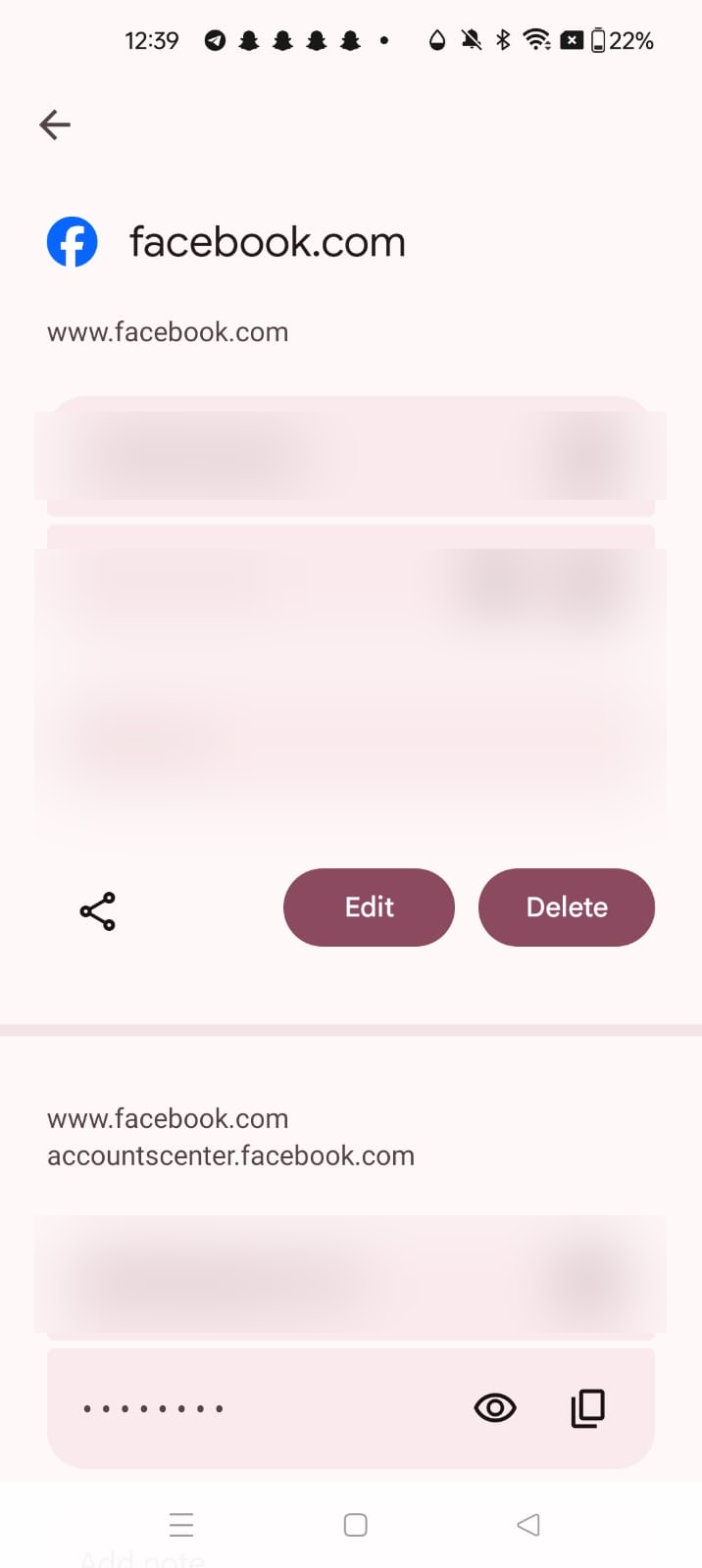
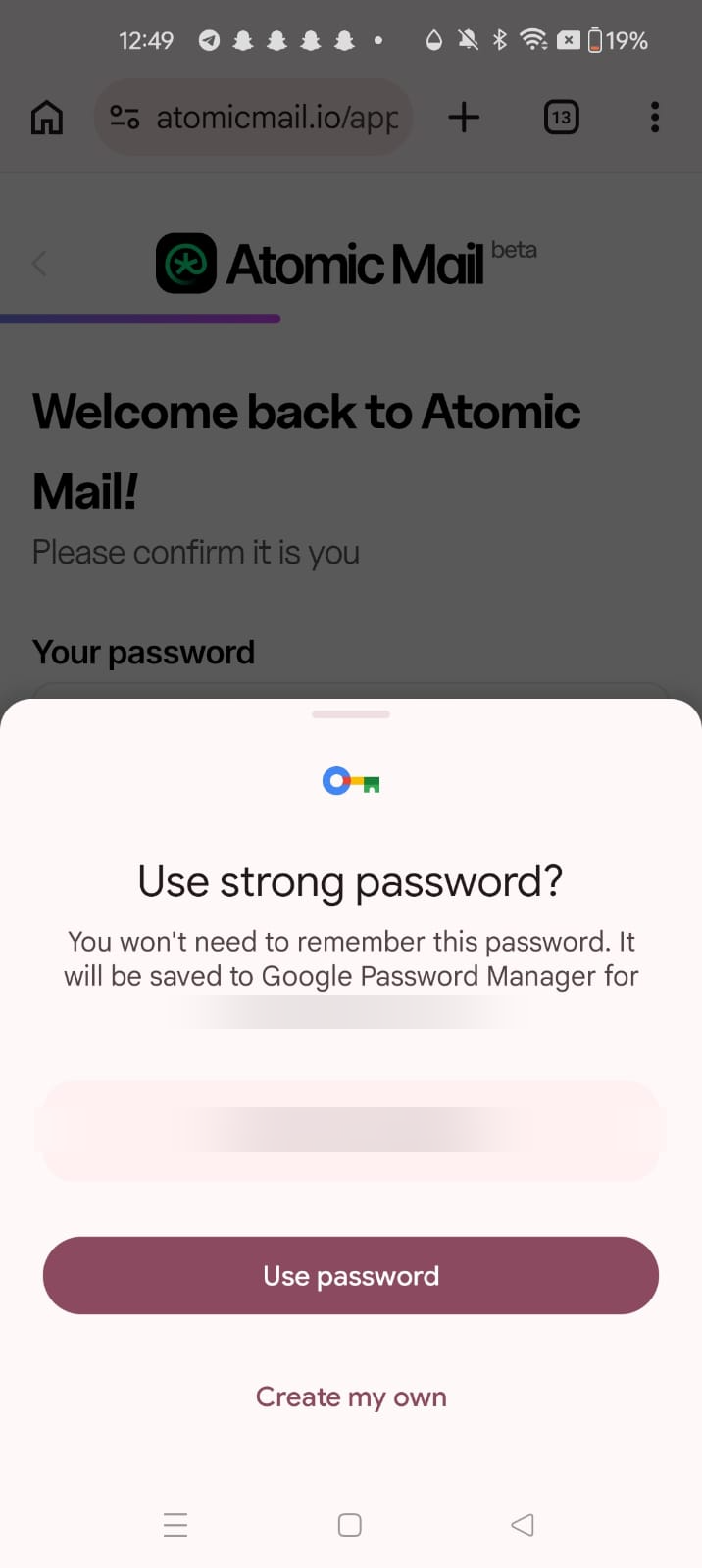
Apps like Bitwarden (free), 1Password, or Apple’s iCloud Keychain generate and store a unique random password for every site. You only have to remember one master password. A password manager plus one memorized master passphrase is the best setup for 99% of people.
Final Thoughts
Pick a passphrase, a sentence, or a formula — whichever clicks for you — and start with your most important accounts. And turn on two-factor authentication wherever it’s offered.
Your turn: go change one password right now. Just one. Future you will be glad you did.
Frequently Asked Questions
How long should a password be?
Aim for at least 16 characters. Length matters far more than complexity — a 16-character password made of plain words is dramatically harder to crack than a short one full of symbols, and far easier to remember.
Is it safe to write passwords down on paper?
For most people, a notebook kept at home is safer than reusing one weak password everywhere. It’s not perfect, but a burglar is far less likely to target your notebook than an attacker is to try your leaked password online. A password manager is still the better option.
Should I change my passwords regularly?
Not on a schedule. Forced regular changes lead to weaker passwords. Change a password when there’s a reason: it appeared in a breach, you reused it, or it’s weak. Otherwise, a long unique password plus two-factor authentication is enough.
Are passphrases really stronger than random characters?
Yes, when they’re long enough. Four or five random, unrelated words typically make a 25+ character password. That length beats an 8-character random string every time, and you can actually remember it.
What if a website doesn’t allow long passwords or spaces?
Fall back to the sentence method — take the first letter of each word of a sentence you remember, keep the punctuation, and you get a shorter password that still looks random. Then save it in a password manager so you don’t have to memorize it.
The Three Methods Compared
| Method | Best for | Ease |
|---|---|---|
| Passphrase Trick: 4–5 random, unrelated words strung together | People who think in pictures and stories | Easy — picture the weird scene and it sticks |
| Sentence Shortcut: First letter of each word of a memorable sentence | Sites with short password limits | Easy — say the sentence in your head as you type |
| Personal Formula: One base passphrase + site letters + a number | People with many accounts who want variety without a manager | Medium — remember the formula, not each password |
Pingback: How to Check If Your Password Was Leaked in a Data Breach -
Pingback: How to Spot a Phishing Email: 9 Red Flags Everyone Should Know -